
Stream TVoxar IPTV on Any Screen or Streaming Device
TVoxar IPTV is fully optimized for virtually every modern screen and streaming hardware ecosystem. Whether you watch on an Amazon Firestick, Android TV box, Samsung or LG Smart TV, Apple TV, or PC, select your platform below for dedicated step-by-step setup guides, or visit our central installation hub. Need to order your credentials first? Explore our subscription plans or learn about our Anti-Freeze streaming technology.
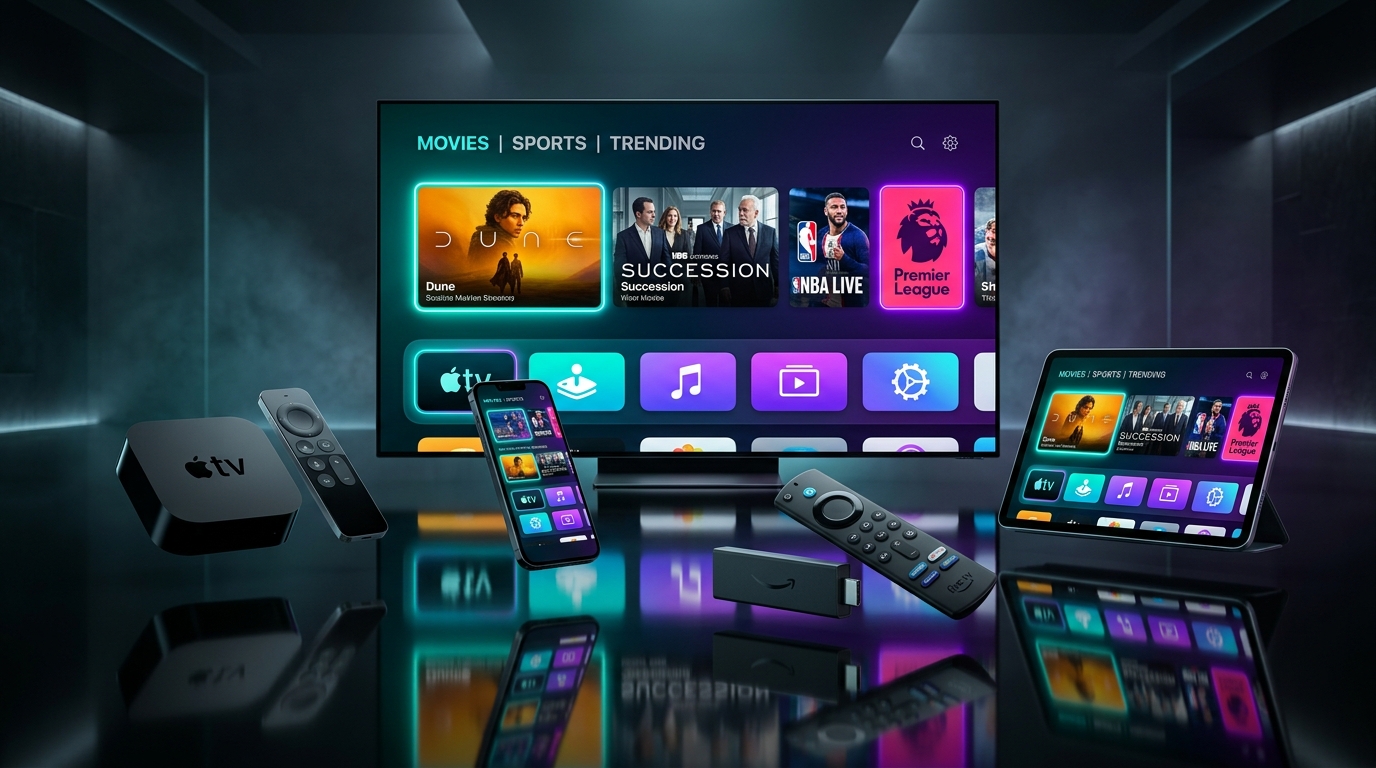
Supported Devices & Platform Compatibility
Optimized application recommendations and configuration guides for all major operating systems.
Amazon Fire TV Stick
Firestick 4K, 4K Max, Cube & Fire TV EditionQuick setup with TiviMate, Downloader, and IPTV Smarters Pro apps on Amazon Fire OS.
Samsung & LG Smart TV
Samsung Tizen OS & LG webOS TVsDirect IPTV streaming via native app store players like IBO Player Pro, Smart IPTV, and Nanomid.
Android TV & Mobile
Google TV, Nvidia Shield, Sony, Xiaomi & PhonesFull Google Play store compatibility with leading IPTV apps like TiviMate and OTT Navigator.
Apple TV, iPhone & iPad
tvOS, iOS, and iPadOS devicesHigh-performance tvOS & iOS streaming using IPTVX, GSE Smart IPTV, or Smarters Player on the App Store.
Windows PC & Mac
Windows 10/11 & macOS laptops and desktopsStream TVoxar IPTV on your computer using IPTV Smarters Pro Desktop, VLC Media Player, or Web Player.
MAG Box & STB Emulator
Infomir MAG 250, 322, 421, 524 & STB EmulatorClassic STB portal URL integration using your hardware MAC address for dedicated set-top box streaming.
Formuler Z Series
Formuler Z8, Z10, Z11 & CC boxesOptimized integration with MYTVOnline 2 and MYTVOnline 3 for lightning-fast channel zapping.
Roku TV & Streaming Stick
Roku OS, TCL Roku & Express devicesSmart screen-mirroring and casting methods to stream TVoxar IPTV channels on Roku displays.
Ready to Set Up TVoxar IPTV on Your Device?
Choose your TVoxar IPTV pass, receive instant activation credentials, and start streaming your favorite channels in minutes.